 #Hex Next
Your Galaxy.
Every pixel, your theme.
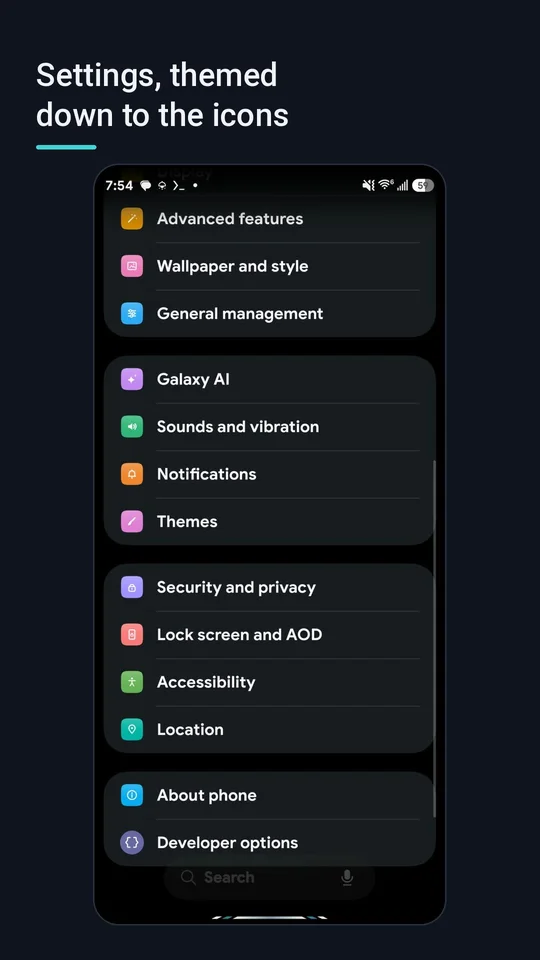
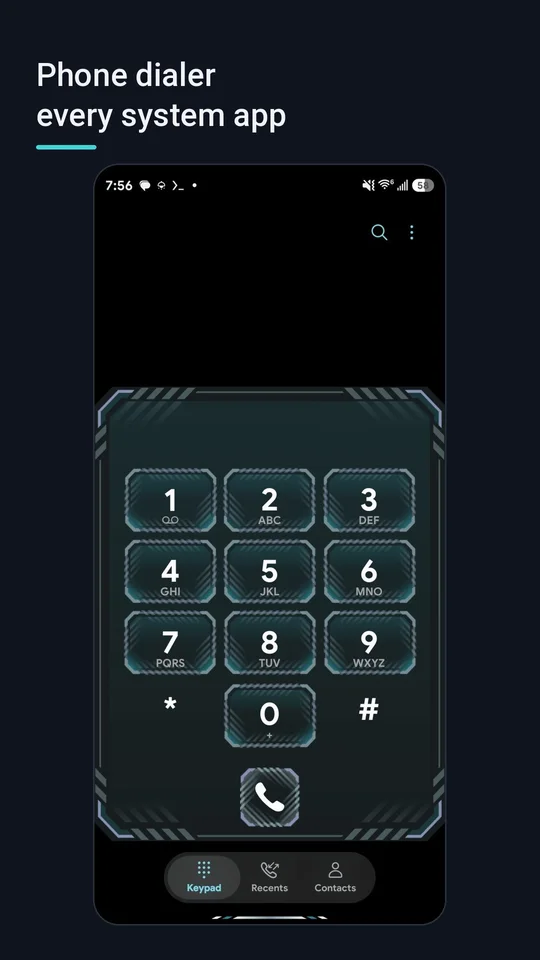
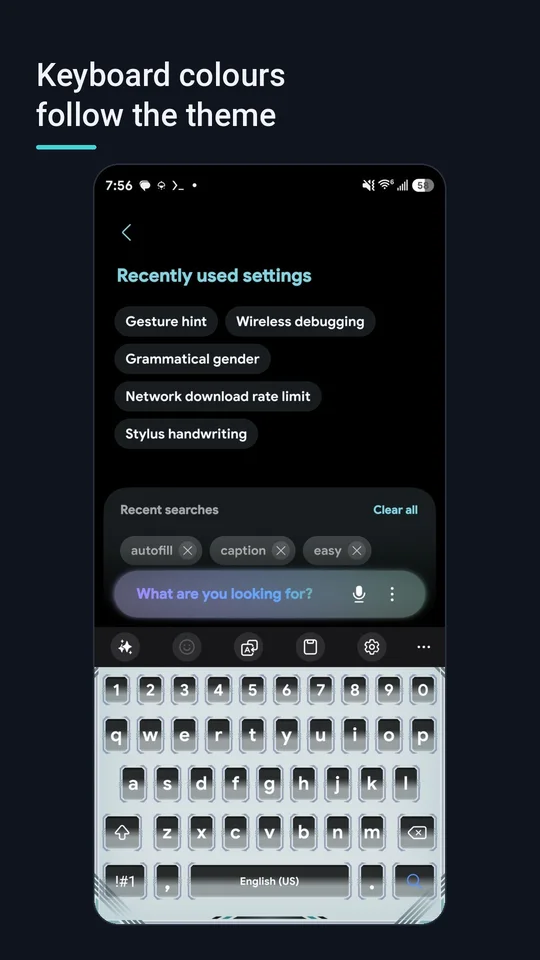
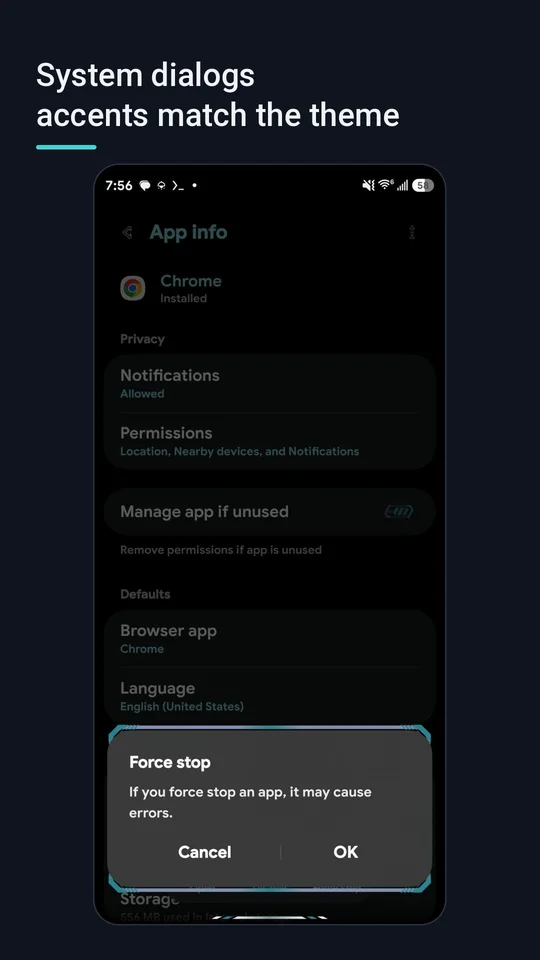
#Hex Next themes all of One UI: Settings, the Quick panel, the power menu, My Files, the dialer and the keyboard. Pick from 50+ theme packs, or describe a look in one sentence and let AI design the whole theme. You watch it in a live preview before anything touches your phone.
For Samsung Galaxy phones on One UI 7, 8 and 9 (Android 15 to 17). Root or system access required.
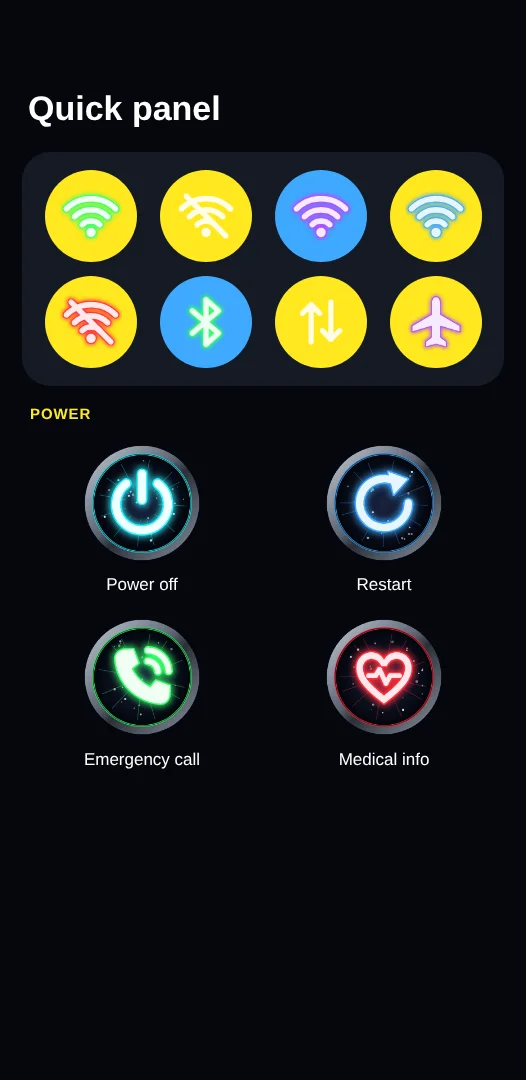

50+ packs. Every one themes the whole phone.
Each pack recolours One UI and swaps in its own art. Roll through every pack drawn for #Hex Next and see all of it: the wallpaper, the notification cards, every icon in each colour look, the switches and the dialer, laid out the way the app shows a pack when you press and hold it.
See it before you apply it.
#Hex Next scans your phone and draws your own Samsung apps, so the preview matches what you'll get. Flip between screens, switch light and dark, and tap any element to recolour it on the spot.
- Settings, Quick panel, notifications, power menu, My Files, dialer, keyboard, contacts and more
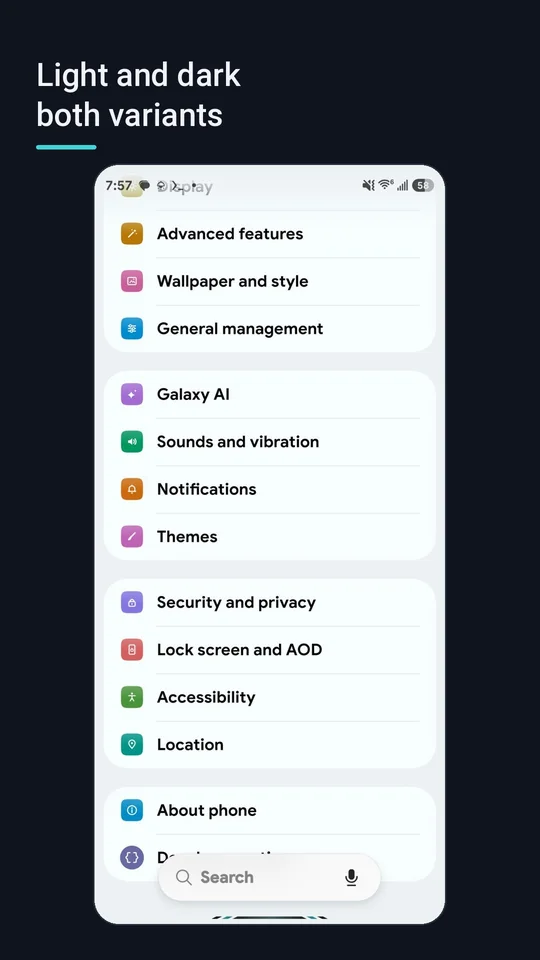
- Light and dark versions of every theme, side by side
- Tap anything in the preview to jump straight to its colour
- Test Mode tries a theme until the next restart, so nothing is permanent until you're happy
Describe it. AI builds the whole theme.
Type a sentence and the AI picks the colours, Quick panel style, icons and font, then draws matching icons and a wallpaper. Keep chatting to fine-tune it: each message changes only what you name.
OpenAI ThemesImages
GPT models write the theme; GPT Image draws icons and wallpapers.
Google Gemini ThemesImages
Gemini Flash and Pro, plus Gemini image models. The API key is free and needs no card.
Anthropic Claude Themes
Claude designs the theme and draws crisp vector glyph icons.
xAI Grok Images
Grok image models for bold icon and wallpaper art.
Stability AI Images
Stable Diffusion 3, Core and Ultra for detailed picture icons.
Perplexity Themes
Sonar models write the theme and draw vector glyph icons.
Muse (Meta) Themes
Meta's Muse Spark models, which can also read photos you attach.
OpenCode FreeThemes
Open-source models such as Big Pickle, DeepSeek, GLM and MiniMax. No key needed (experimental).
Pollinations FreeImages
Open-source FLUX image generation for icons and wallpapers. No key needed (experimental).
Pick the model for each service in Settings › AI providers. Your keys stay encrypted on your phone and go only to the service they belong to.
Make a #Hex Next theme from one sentence.
Type a mood and a free AI designs a theme, then paints it across Settings, the Quick panel, My Files, the controls and a wallpaper, just like the live preview in the app.

This demo runs on a free, open-source agent (GPT-OSS 20B) with no account and no key. Results are lower quality than #Hex Next's full potential. In the app, connect Google Gemini (free key, no card), OpenAI or Claude for much richer themes, matching icon sets and wallpapers.
Showing a sample theme. Type your own idea above.
A website mock-up of what #Hex Next does on a real phone. The app applies the theme to Samsung's own screens through the live preview, Test Mode and one-tap Remove.
A full theme studio in your pocket.
Colour every element
Over 200 One UI colours, from switches and sliders to notification cards, each one adjustable on its own or all at once from one seed colour.
Mix packs per part
Galaxy icons in Settings, Heroes in the Quick panel and Kameha in My Files? Choose a different pack for every part of the phone.
Fonts and Google Fonts
Install a system font from your files or browse Google Fonts right in the app.
Your own icons and art
Import PNGs, assign them to any icon, or generate a matching set with AI. Backgrounds and wallpapers too.
Save, share and back up
Keep any theme as your own pack, share it as a file, and back up or restore your whole setup.
Safe by design
Test Mode, one-tap Remove and a recovery watchdog that steps in if something won't start. Overlays theme Samsung's own apps; your other apps change only if you turn on App icons, which redraws their Home screen icons.
Free to start. Unlock as much as you like.
The app, the colour studio, the live preview and the Quartz pack are free. Every paid option is a Google Play purchase you can restore on a new phone.
Everything
- Every theme pack, including new ones
- AI Themes, AI icons and wallpapers
- Theme backup, restore, export and import
- Cancel any time
Lifetime
- Everything in the monthly plan
- Every future feature
- Pay once, keep it forever
All theme packs
- Every preset pack, today and tomorrow
- Pack per part mixing
Single pack
- Only the packs you love
- Yours to keep
Prices in US dollars; Google Play shows the price in your currency. AI services you connect with your own key bill you directly.
Be one of the first to theme with #Hex Next.
The open beta needs no invite code: download the APK, install it and everything is unlocked for 14 days. The app updates itself when a new beta is out. Join the community on Reddit to share your themes, report bugs and help shape what comes next.
Theme showcases, help and news
HexNext-QS-Notifications-Module
System UI paints every Quick panel tile one colour and keeps pictures off notification cards, so overlays alone cannot show them the way the theme previews do. This optional LSPosed module keeps a theme's full-colour tile glyphs, puts its art behind your notifications, colours the status bar icons and shows a pack's art on the brightness and volume sliders. It also lets the Quick panel music player icons take a theme's art without restarting System UI. Turn each part on or off in #Hex Next under Theme Packs › System UI hook.
Download HexNext-QS-Notifications-Module.apk
Version 1.9 · 2.1 MB · SHA-256 47a45f5fc5f27fae827fadb35c30078b88d400c0522e230456a0e6c619059f7b
Version 1.9 is signed with the #Hex Next release key and installs over 1.3 to 1.8 as an update. After an update, do a soft reboot before you apply a theme again: System UI loads the module only when it starts. If version 1.2 is installed, uninstall it first: Android does not update an app to a copy signed with another key. Then install 1.9 and switch it on again in Vector.
Full setup guide: root, Zygisk, Vector and the module
How to set it up
You need root with Zygisk (Zygisk Next or ReZygisk on KernelSU, or Magisk's Zygisk) and Vector, the current LSPosed.
1. Install the APK. Owner and beta builds of #Hex Next can install it for you from the System UI hook card.
2. Open Vector › Modules and tap HexNext-QS-Notifications-Module.
3. Tick System UI in its scope first, then switch the module on.
4. Force stop #Hex Next from its app settings page (Settings › Apps › #Hex Next › Force stop) and open it again. No reboot is needed. The System UI hook card then shows a green Module Hook Running badge.
Note: Vector loads the hook when System UI starts, so on some phones a force stop is not enough. If the badge stays yellow, do a soft reboot.
Is it safe?
The module only changes how System UI draws tile icons, the status bar icons, the slider and music player icons and notification card backgrounds, and only for themes from #Hex Next. It reads nothing else and sends nothing anywhere. To stop it, switch it off in Vector and restart.
Questions
Which phones work?
Samsung Galaxy phones on One UI 7, 8 and 9 (Android 15 to 17). #Hex Next themes Samsung's own system apps.
Do I need root?
Full theming needs root (any root manager, such as KernelSU or Magisk) or system access through Shizuku running as root. Without root, Shizuku over wireless debugging can still apply the accent colour. The setup guide lists the root methods for each security update, and the community's Awesome Temporary Root guide keeps the current method for every model.
Is it safe? Can I undo it?
Yes. Test Mode tries a theme only until the next restart, Remove takes every overlay off in one tap, and a recovery watchdog turns the theme off if System UI keeps crashing after a restart. #Hex Next never touches your files.
Do I need my own AI key?
No. Two free, experimental agents work out of the box, though their themes may be lower quality. For the best results add a key for any supported service. A Google Gemini key is free and needs no card: get one at aistudio.google.com.
How many theme packs are there?
More than 50, from minimal to wild, with new packs added regularly. Any theme you build can also be saved as your own pack.
What happens to my data?
Your themes, images and fonts stay on your phone. Read the privacy policy for the details.